




All services →

OneScreen for Education

one screen for education

OneScreen for Education

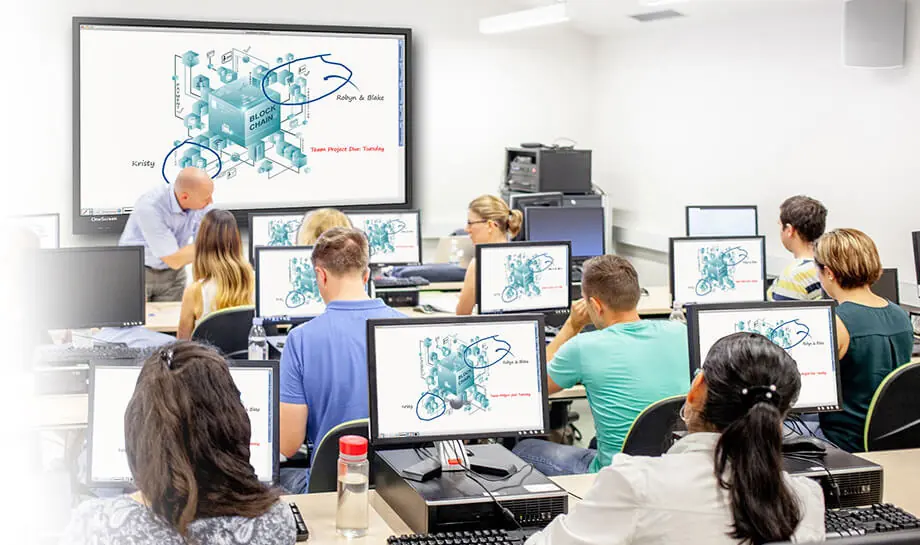
A simple, affordable and all inclusive education bundle to facilitates your efforts by supporting BYOD, remote student attendance, real-time access to content, live collaboration on the same content and much more.

Increase the potential of every lesson

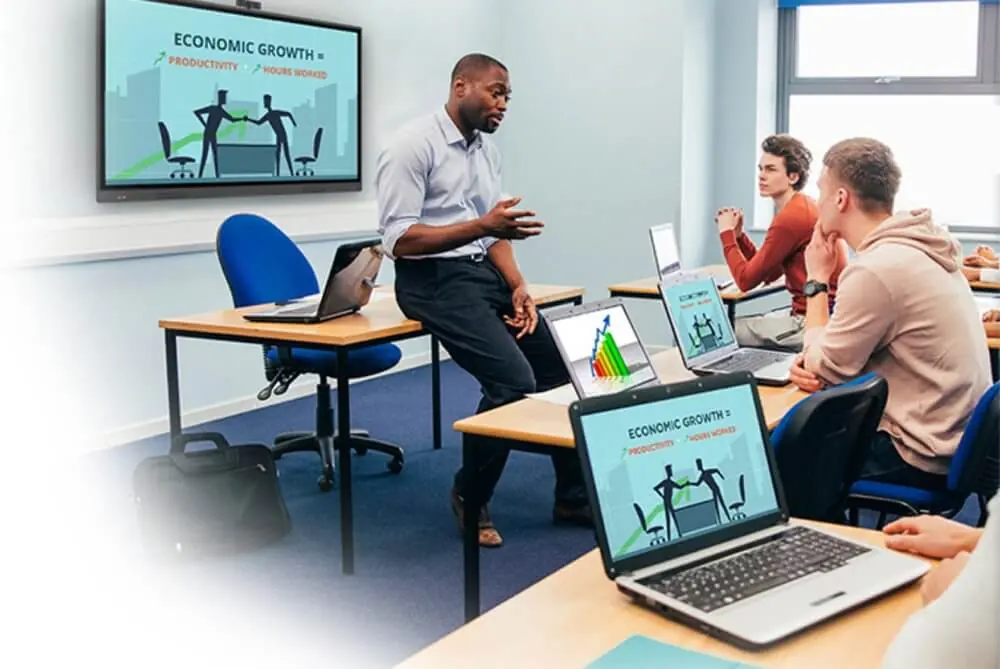
Education has never been made this easy! All of your education collaboration tools are right here. Video, audio, web conferencing and whiteboarding on a large format touchscreen with camera, speakerphone and keyboard – for conference, board and class rooms.
OneScreen for Education

Distance Learning

Teach, present, train or brainstorm with your students anytime from anywhere.

Affordable Innovation

High quality, affordable, Plug & play, quick install and low-cost ownership for everyone.

Fundamental Apps

End to End solution d eliberately built with just the features teams and teachers use most.

Ultra Compatible

Easy integration into your existing collaboration tech portfolio from hardware to software.

Support

Unlimited support and training from dedicated AdcareIT Technical Team.

Hardware / System

4k whiteboard infinite display, which can naturally zoom in and out of pictures, web pages, videos, and documents
High-precision touch, support 2.0mm fine recognition, fine pen tip, smoother writing experience
Support any signal source annotation function, which can be switched at any time
Support multi-screen projection, adapt to multiple devices to achieve simultaneous interpretation of 4 pictures
Comes with a Bluetooth module, which can be flexibly connected to a Bluetooth speaker
Download the apps you want with Android 8 and Google Playstore
Choose from 3 screen sizes that include 32GB, 4K UI, 10-Watt speakers, blue light filter

Software Bundle For Education

OneScreen Hype: Browser-based video conferencing and collaboration, 50 licenses
OneScreen Annotate: Up to 10 users work together in a shared whiteboard space. Easily exchange and annotate content in real-time
OneScreen Attendance: Efficient and secure student attendance management
ZUNI Learning: All of the best, free, online lessons & resources in one place integrated with Google Class
OneScreen EShare: Share, mirror, and cast devices/screens or applications wirelessly
OneScreen Central: Centralized screen control, emergency notification, software upgrades & more
OneScreen Navigate: Centralized & customizable product navigation from a home screen
Unlimited multi-party calls with up to 50 participants
Up to 49 ad-hoc participants using Google Chrome, SIP, or H.323 platforms
Universal meeting scheduler for WebEx, Adobe Connect, and Audio Conference
Multi-camera support for capturing different angles in large meetings and conferences
Save and record your work on cloud or local servers
Share, mirror, and cast devices/screens or applications wirelessly
Secure instant messaging and exchange of files
Convert voice to text with real-time transcription
Full access to Android apps and Google Play Store with multi-user login support
Write on any content, save, transfer via QR code or email
OneScreen for Education

Support

Free unlimited training with the Adcare Tech team
Free unlimited Adcare tech support

Lesson Planning Tools

Lesson software that easily integrates into your existing lessons
Build new lessons in real-time using multiple file formats
Share and save lessons for student access any time

Easy Presentation & Capture Tools

One-click access to your network and the web
Drag and drop files
Record and save classwork sessions

Student Interaction Tools

Student polling and voting
Student-to-student screen and idea share
All students share one classroom screen
Students can be in class or interact remotely

Lessons available with or without you

OneScreen captures, records and saves all of your lessons.
Vacationing and sick students stay caught up and less stressed.
Personal login so all teachers can set up their own OneScreen hub.

Rethink your approach to sick days

Help students lower their stress levels when they miss class.
Spend less time on catchup with students that can’t make it to class.
Or, easily bring remote students into class via video or audio to view, attend and take part in the lesson.

Knock down those classroom walls

OneScreen is always online, so live events coverage is one click away.
Anytime access to real-time news content that provides rich learning content.
Instantly dial in guests, regardless of the communication platform they use.

Get The Hardware

Best-in-class smart screen, onboard PC, 1080p HD camera and wireless keyboard, 55″, 65″, 75″, 86″ sizes

OneScreen for Education

Get The Software

Distance learning, ZUNI Learning lesson planning & teaching resource integrated with Google Classroom, annotation, share, stream, whiteboard, Google Play Store & more

Get The Help, Training & Support

Free, unlimited help & training from the dedicated AdcareIT team

More images

Talk to an AdcareIT expert about OneScreen for Education

Related solutions